

OMeTV APK – Connect and Chat Online

OmeTV is a random video chat service designed to help meet other people that you wouldn’t otherwise encounter online. Whenever you start a conversation, the service connects you with another available user and both sides can talk to each other through the video. Unlike typical messaging apps, you don’t need to know the other person before you start a conversation. Moreover, this means every match is a surprise and you have the chance to talk to people from different places and with different origins.
Security Verified
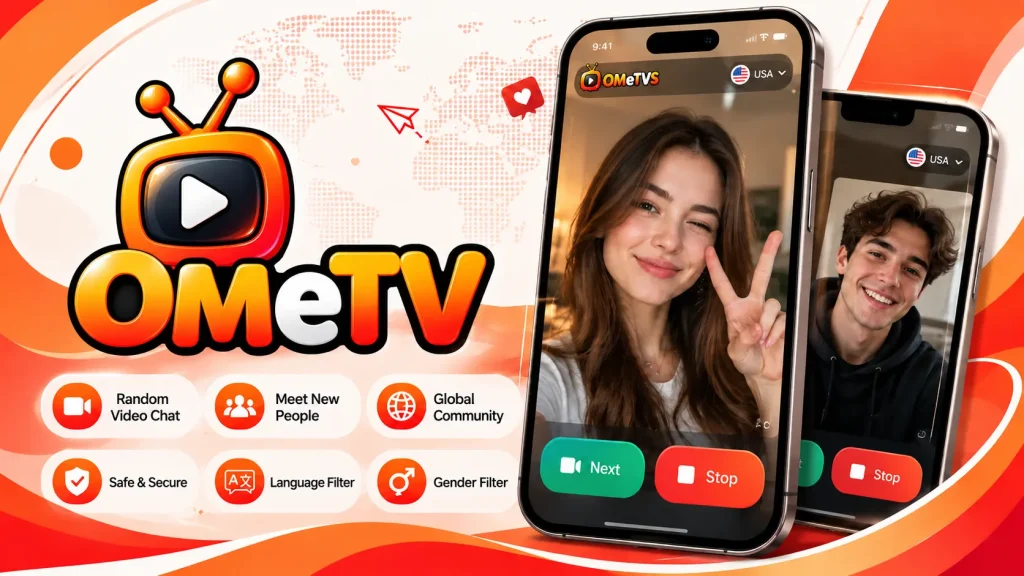
OmeTV Chat APK is a great place for casual chat, to meet up with international users, to practice your language skills. Also, to try out a new style of online social interaction. In addition, this app is different from what you will find in the traditional messaging and calling apps. Moreover, different from social media apps like Instagram and Facebook which mostly present you with an audience you either know or are interested in following. Here you will meet total strangers. It is a platform which puts you in touch with very diverse people from all over the world.
What is OmeTV APK?
OmeTV APK is an application that facilitates live video calls for Android users. OmeTV APK is used to facilitate interaction among people from various parts of the globe. Moreover, this application uses live video calling to provide its services. OmeTV APK Download connects users at a very fast rate. It can be easily downloaded. Once opened, it starts working instantly. Moreover, it does not require many resources like storage and energy from the user’s phone to function.
Key Features of OmeTV
User-Friendly Interface
OmeTV reports an easy to use, intuitive, simple and engaging interface which has brought in a global audience of millions. Also, we see that they have very easy navigation which is the reason for that ease of control. What they did with the design is make it very clear and straight forward. In addition, it in turn makes it easy to understand the instructions and how to control the app.
Instant Matching
It has a real time matching system which puts you in touch with many others around the world at the same time. Moreover, OmeTV APK Old Version removed the wait and random connection to make a video chat. There is no delay in that first instant connection with another person. Also, this feature we see as a way to improve the overall experience for the user. In addition, through this app we feel it is a faster, better service.
Cross Platform Availability.
OmeTv has a top feature of cross-form availability which we see in this app they have done very well. Also, they have made the app compatible with a number of devices including Android, iOS, Macbook, Tablets, laptop and personal computer etc. What this does is it allows you to log into your account at any time and from any place. It also features the ability to pick up right where you left off when you log in to a different device.
Language Filter
OmeTV has a feature in the form of a language filter that helps you make video chats with strangers in the language of your choice. Moreover, all it does is remove the barrier of language and make your communication effective. You can choose a language and the app will suggest people who speak that language. In addition, it also offers you the added advantage of talking to people from different languages.
Moderation and Safety Features
The two major concerns related to OmeTV APK for Laptop are moderation and safety. Furthermore, they are very cautious about the safety of the users such that their personal data is highly confidential. There is a dedicated team of ometv which keeps a close eye on the activities in the app. In order to maintain high standards of moderation, they have provided you with the most recent features of video calling.
Gender Filter
This feature distinguishes itself among other features provided by OmeTV. So you are able to set the gender preference in terms of the person you want to video chat with. In addition, this enables you to interact with people from different genders in terms of video chatting. This will enable you to select your partner for video chatting.
Text Chat Option
OmeTV App also has a feature of text chat in addition to video chat with others. Moreover, we have that option which prefers text over video call. With this feature you can get into text based conversations with other people. It has basically a backup option when we are unable to do a video chat.
Global Community
It has a world wide community in the app which puts you in touch with a diverse range of people from around the globe. Also, OmeTV APK Login has a unique feature here which allows you to learn about the culture and background of different groups of people from all over the world.
Country Selection
This feature is for those who have interest in international interaction. Furthermore, you choose which country you would like to connect with. And this app will put you in touch with that country’s community. You can put out a message to a particular part of the world.
Automatic Translation
It gives you access to a translation feature which puts you in touch with any language you like. In addition, you may meet people speaking totally different languages and language differences may cause communication issues.
Perfect for making Friends and Dating
This app is what you use to make new friends from all over the world. Moreover, you meet face to face with them and OmeTV App APK gets to know them better. Once you do know them you become friends and as time goes by you may start dating them. Also, it is better than traditional dating apps.
How to Install OmeTV on Android Devices?
OmeTV is ideally designed to be used on an android phone. But is not available on the Google Play Store yet and has to be installed through third party applications. The following points will give you guidance.
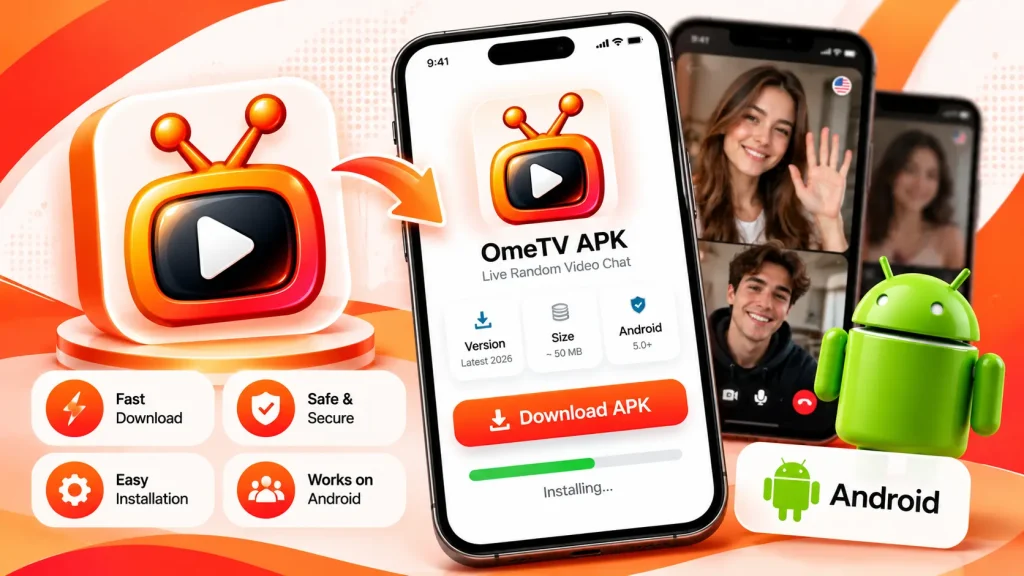
- On your mobile device open the browser of your choice.
- Find OmeTV APK for Android and open our site.
- Tap the download button to get omeTV’s apk.
- Go to the device settings and turn on the unknown sources.
- Find your downloaded apk file.
- Tap to file and an install icon will appear, click on it to install the app.
- On the screen you’ll see instructions which guide you through the process.
- Also, you can launch the app from your home screen.
How to Download OneTV on iOS Devices?
The OmeTv application does not have an official release on the iOS platform, that’s why you can’t get it in the Apple store. But you can also find it on iOS through an alternate method.
- Download any third party app installer to your device.
- Open up the app and head to OmeTV for iOS.
- Go through the results and open OmeTV.
- Click “get it” to install the app.
- Go to your settings, in device management open vidmate profile and tap on trust app.
- Launch the app to your home screen and begin to download your favorite content.
Download and Install OmeTV APK on PC.
PC doesn’t support APK files that is why you will need an emulator to run the app.
- Download and install a reliable Android emulator on your PC.
- Once the installation is complete, open the emulator.
- Download the OmeTV APK for PC within the emulator browser.
- Install the app from the APK file and have it run in the emulator.
Top OmeTV Alternatives
There also is a group of apps which include OmeTV APK that provide similar video chat features. These apps support easy connection with people from different countries.
Omegle
Omegle is a large-scale platform for anonymous chat. It supports text and video chat. Instant connection is made without the need to sign up. Also, the design is very clean and easy to use. Moreover, this OmeTV Alternative App works on all browsers and mobiles. This site is known for its random video chat that doesn’t require registration and also very fast connections.
Chatrandom
Chatrandom is a simple site which does quick connection without a lot of steps. Moreover, it has various chat options. Also, it is available for mobile and desktop. We see to it that the service is very fast and very stable. Further, we are a very popular online random chat platform for video calls.
Chatroulette
Chatroulette is a video chat which puts you through to random people all over the world. It has an easy going in terms of how they match you up. Also, it has a very quick turn around for when you want to move to the next person and speedy connection times. We go for a very basic and clean design. Moreover, it is known for live webcam interaction with strangers and very smooth performance.
HOLLA
HOLLA is a real time video chat application which we have today. It does fast matching and has stable video calls. Further, we also see it to include filters and effects. The design is clean and simple and what is put in is that of easy navigation. OmeTV APK Install performs well on Android platforms. Also, it is known for live video chat with filters and is easy to use.
Azar
Azar is a global video chat app which has very fast connection. We see that it supports instant video calls of users from many regions. Also, it includes language support and filters. Performance of the app is smooth on mobile devices. During calls the system does very well in terms of stability. Furthermore, it is known for global video chat which includes translation support.
How to Use OmeTV APK?
OmeTV app for video chat is very easy to use. Once installed the app begins to work right away which is without a complex setup. Moreover, auto connection of the system and display of users on screen is a feature of the app. Also, there are basic controls that make chat easy. Here are simple steps to get started with the app.
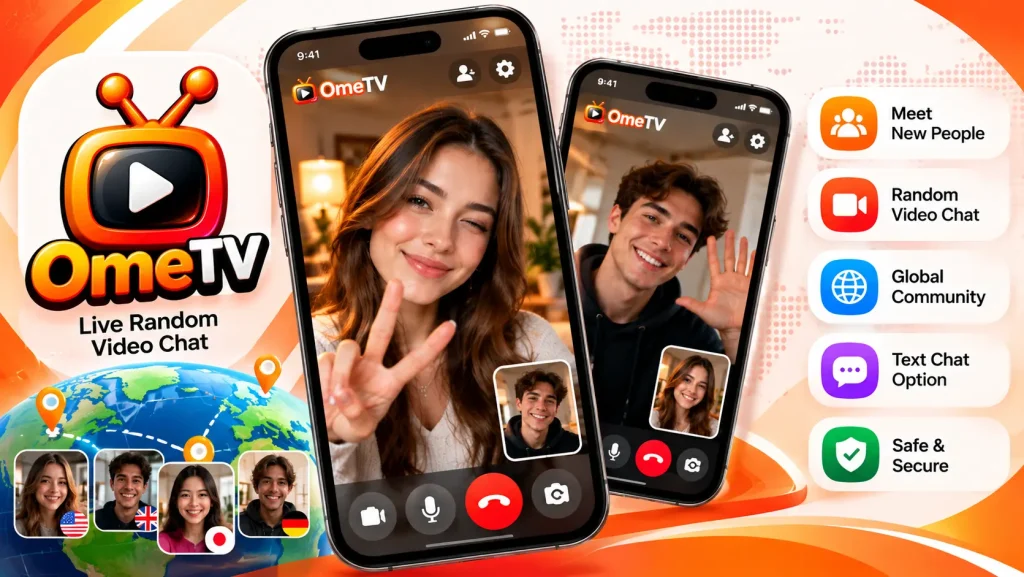
- Open up the OmeTV APK Online from the home screen post installation.
- Hit the start button to begin video chat.
- For a few seconds the app will connect to a random user.
- Use the arrow to go to the next person.
- Chat away or end the session at any time.
Tips for a Better OmeTV Experience
Use a Stable Internet Connection
Video chat is a heavy network resource user as compared to text messaging. Stable connection is key to avoid interruptions.
Check Your Camera Before Starting
Be sure your camera is clean, in the right position, and that it is accessible to the application or browser.
Use a Quiet Environment
In a quiet setting conversations flow better as the other person will hear you better.
Be Respectful
Treat each person you meet as a real individual instead of just a random match.
Don’t Share Personal Information
Don’t share private info at first meet ups. Also, keep it between us what you tell in that 1st chat doesn’t go far.
Common OmeTV Problems and Solutions
At times when a platform is running smoothly, device permissions and network settings may still cause issues.
OmeTV Camera Not Working
Check if your device is granting camera access to this browser. Also, see that no other application is using the camera at the moment.
OmeTV Microphone Not Working
Check the microphone permissions and see which input device is set.
OmeTV Cannot Connect
Test out your connection and we ask that you refresh the service. At times the network issues may cause a video connection to drop.
OmeTV App Not Opening
Reboot your device and see if the app is what is required for your operating system version.
Pros and Cons
Pros
- The app is connected quickly.
- It provides for smooth and stable video chat.
- The interface is easy to use.
- No registration at all is required to get started.
- The app functions on most Android devices which do.
- It features instant switching between chats.
Cons
- The App Package (APK) version is not available on the Play Store.
- Internet connection performance affects video calls.
- Some talks may be out of place.
- Reduced screen control over which guests appear.
- APK installation is a manual process.
- Safety is a factor of how the app is used.
FAQs
Conclusion
OmeTV APK New Version gives you access to random video chat rooms which in turn put you in touch with people from all over the world. Moreover, they have put together a package which includes random pairings, international connection, mobile and web access, and additional features. Also, it sets them apart from the usual social networks. In terms of which you prefer, the OmeTV APK Free Download experience or the mobile app, the most important thing is to use the service responsibly.